
Module 4 of 13
Review and assign
The right team for the job, based on trade and current workload.
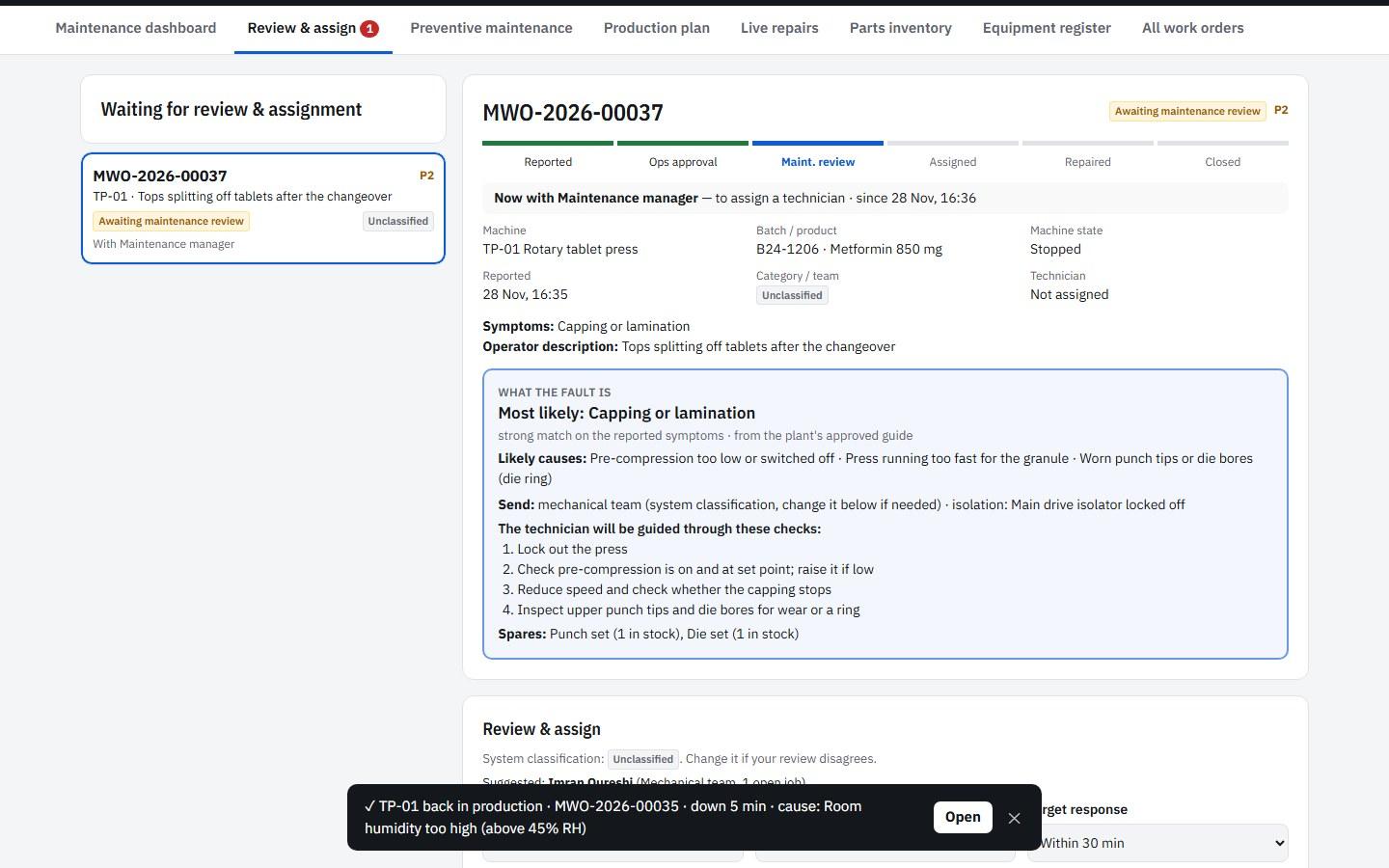
What it does
The maintenance manager reviews each approved job. The software suggests a team by the trade the fault needs (for example mechanical or electrical) and by how much work each team already has. The manager sets a target start time and adds instructions, then assigns.
The steps
- 1Open the approved job and read the diagnosis.
- 2Check the suggested team, by trade and current workload.
- 3Set a target start time and write instructions.
- 4Assign. The technician sees the job at once.
What each role sees
- Maintenance manager
- Approved jobs, the team suggestion and each team's load.
- Technician
- The assigned job with its instructions and target start.
Follow one breakdown end to end.
The demo needs no login. Switch roles at the top and take TP-01 from the stop to the signed report.