
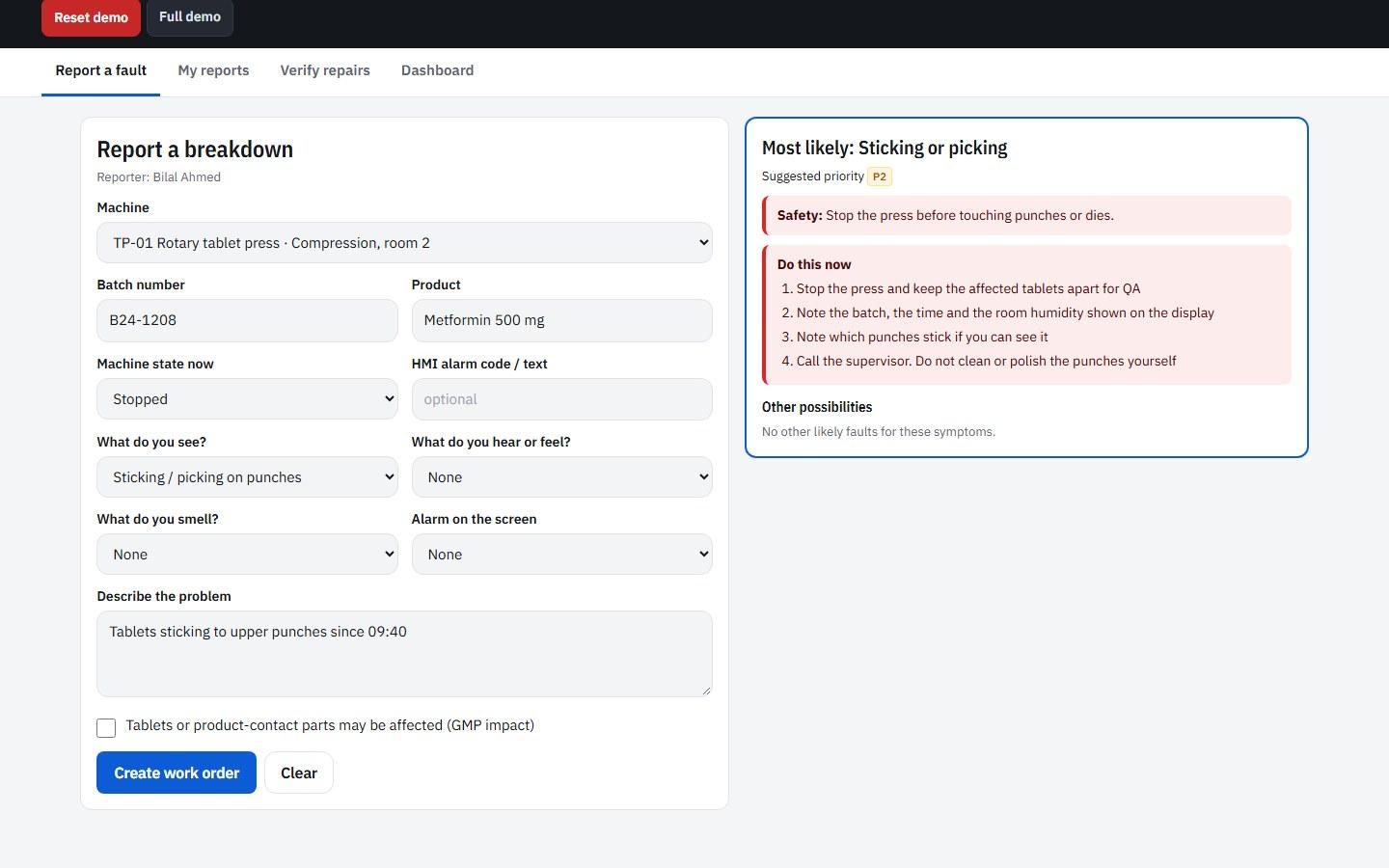
Line operator
Reports the stop at the line from what they see, hear, feel, smell or the alarm shown. Gets the first safe steps at once, records batch and product, and verifies the repair before the line restarts.
Open the demo as line operatorRoles
Every role has its own screen with the jobs waiting for it. In the demo, switch roles with the buttons at the top.
Reports the stop at the line from what they see, hear, feel, smell or the alarm shown. Gets the first safe steps at once, records batch and product, and verifies the repair before the line restarts.
Open the demo as line operator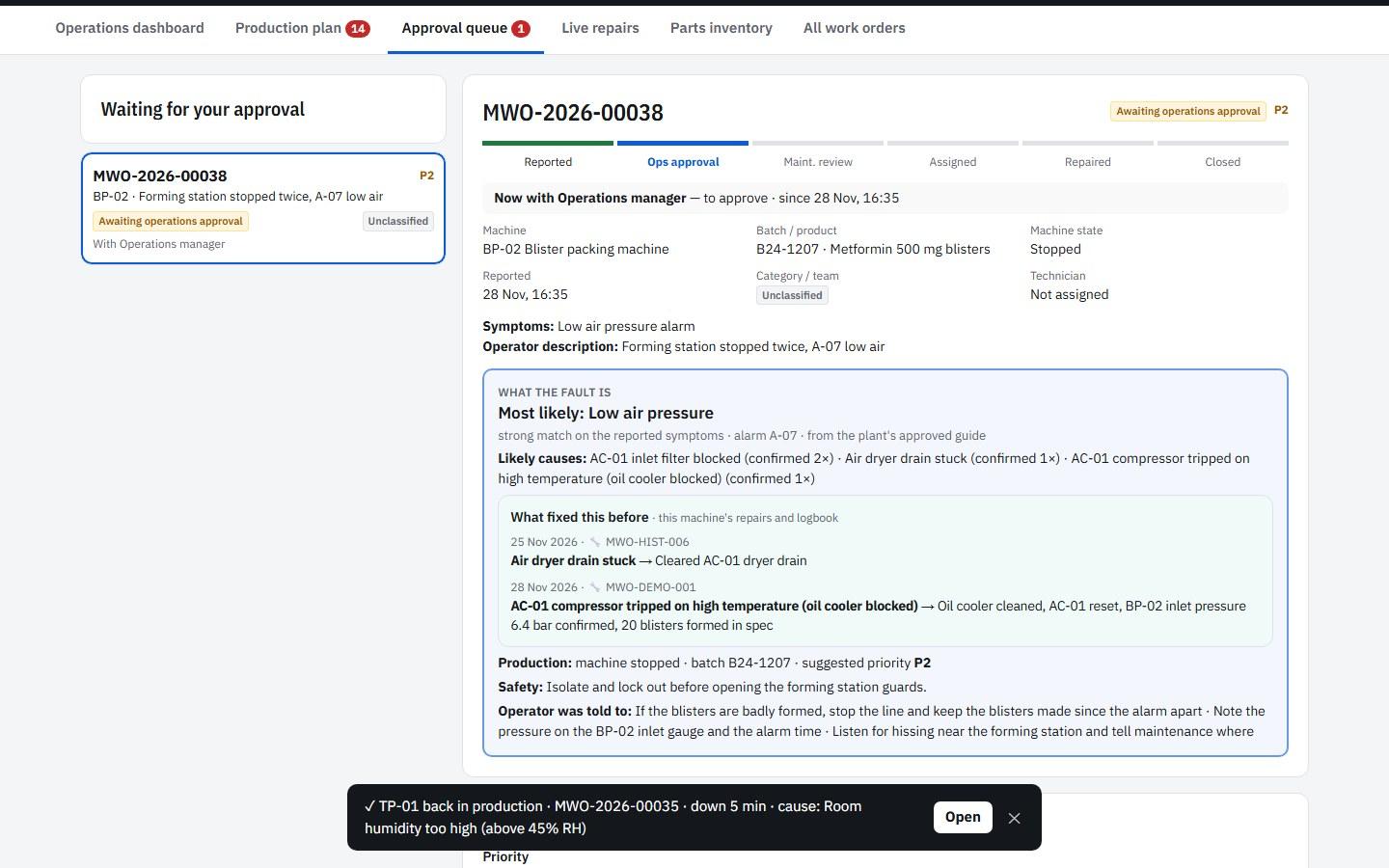
Approves or rejects each breakdown with its production impact and priority in view, approves planned maintenance slots and sees which batches a stop affects.
Open the demo as operations manager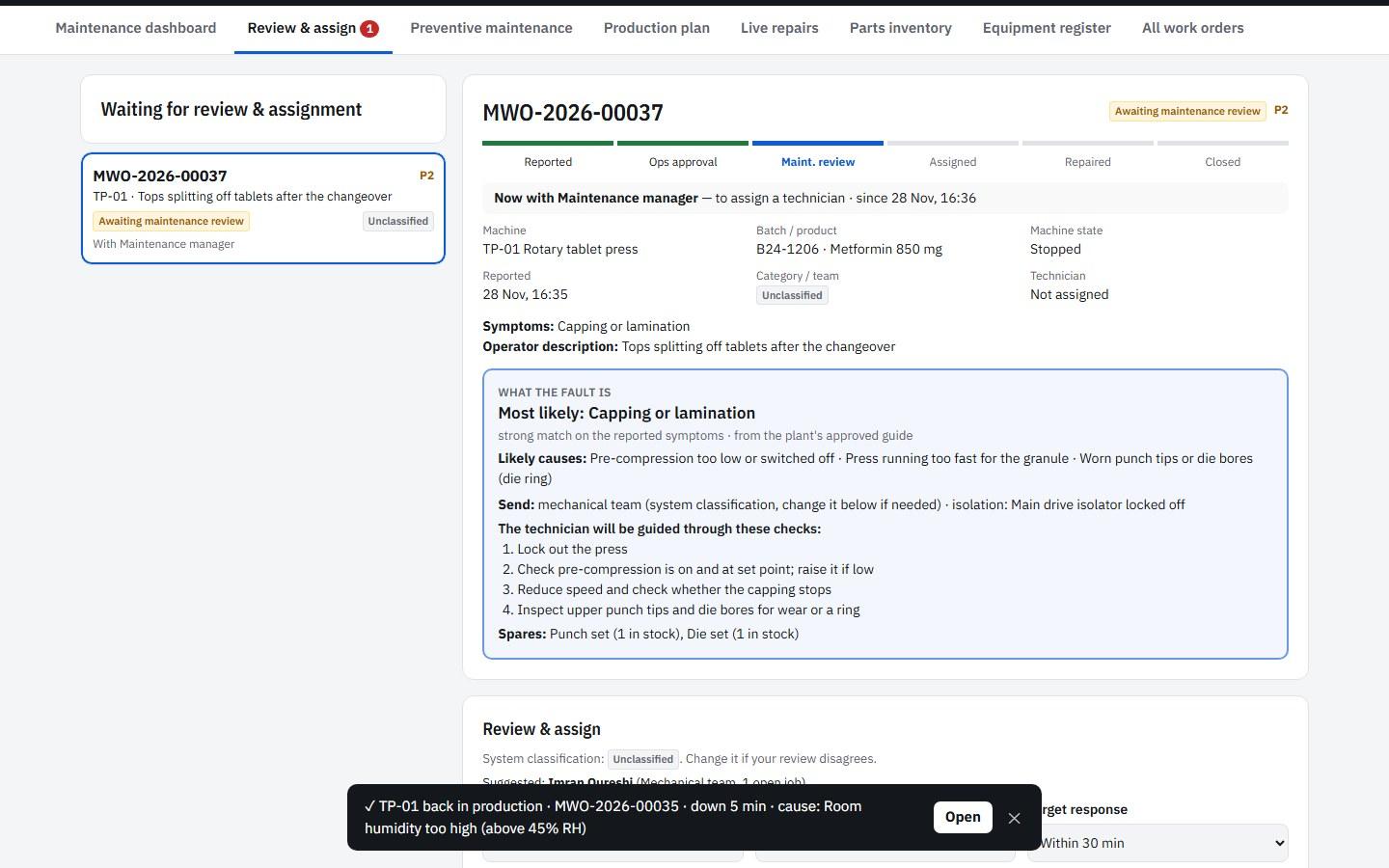
Reviews each approved job, assigns it to the right team using trade and current workload, sets a target start time and instructions, and watches every open job live.
Open the demo as maintenance manager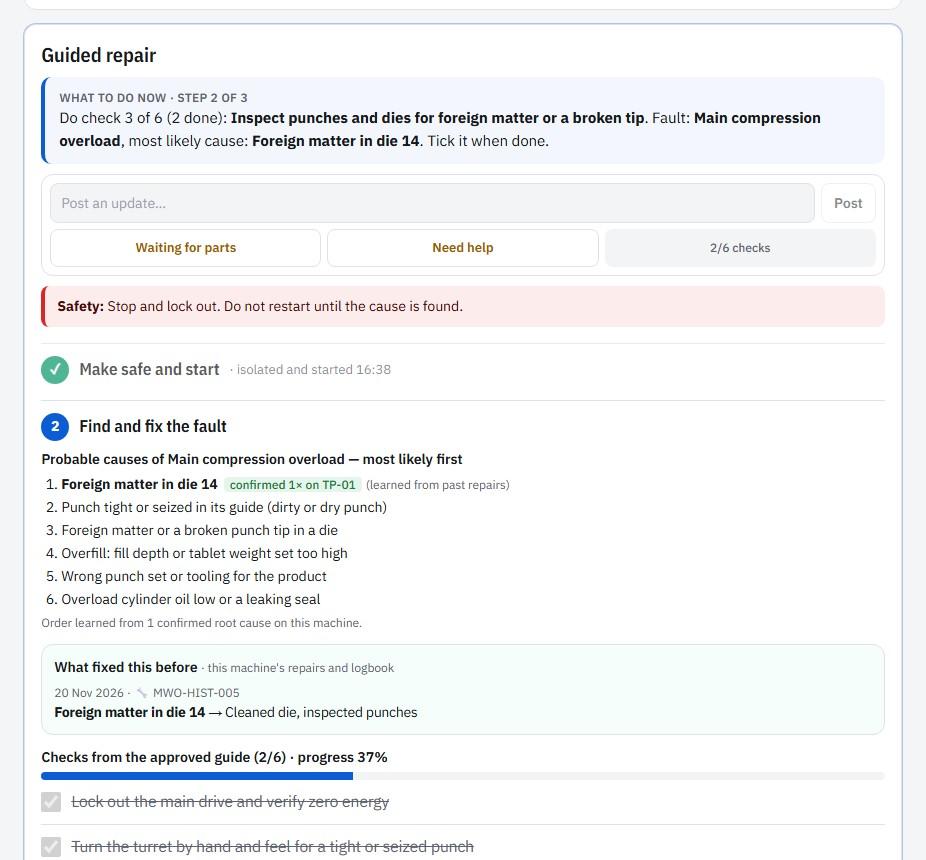
Follows the guided repair: make safe and lock out, find and fix with checks, close out. Requests parts, asks for help or returns a job that needs another trade.
Open the demo as technicianSees part requests against their job and live stock, reserves, issues or orders parts, and tells the technician which bin to collect from.
Open the demo as store keeper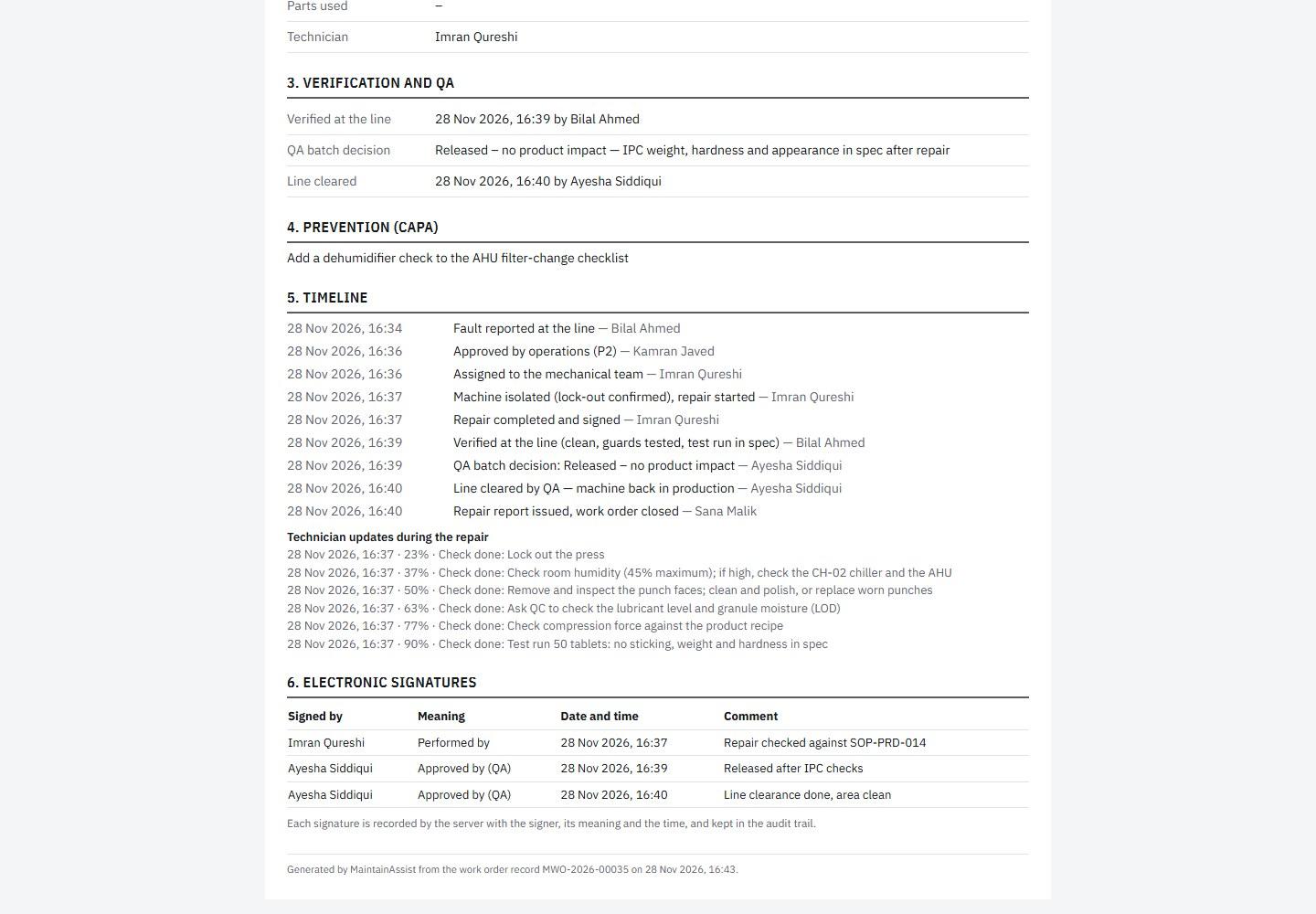
For faults that may touch the product, records the batch decision (hold, release, deviation or reject) with an e-signature before the line is cleared.
Open the demo as qa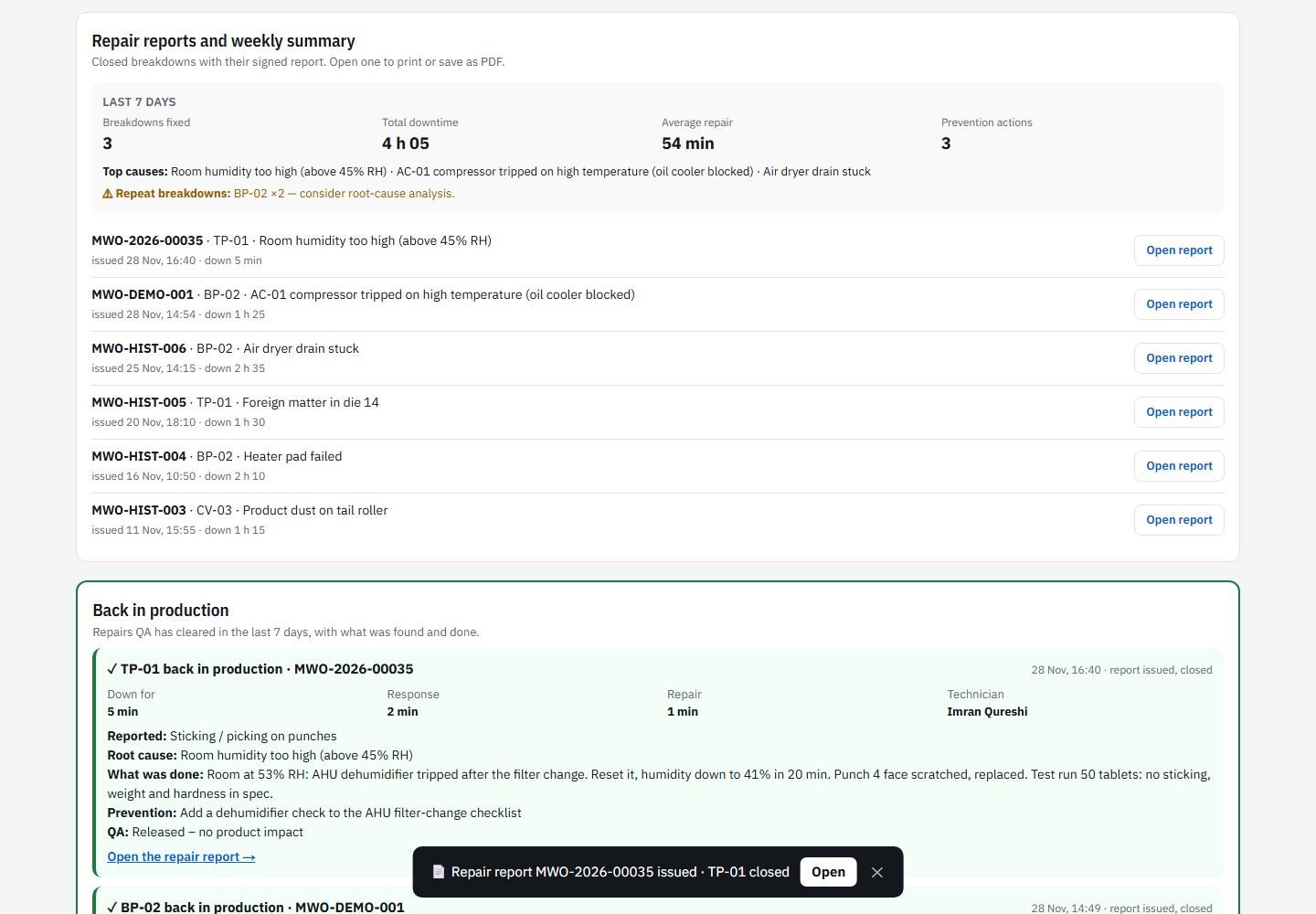
Sees what is stopped now, what is late, downtime, repair time, top causes and repeat breakdowns, from the same records the team signs.
Open the demo as site director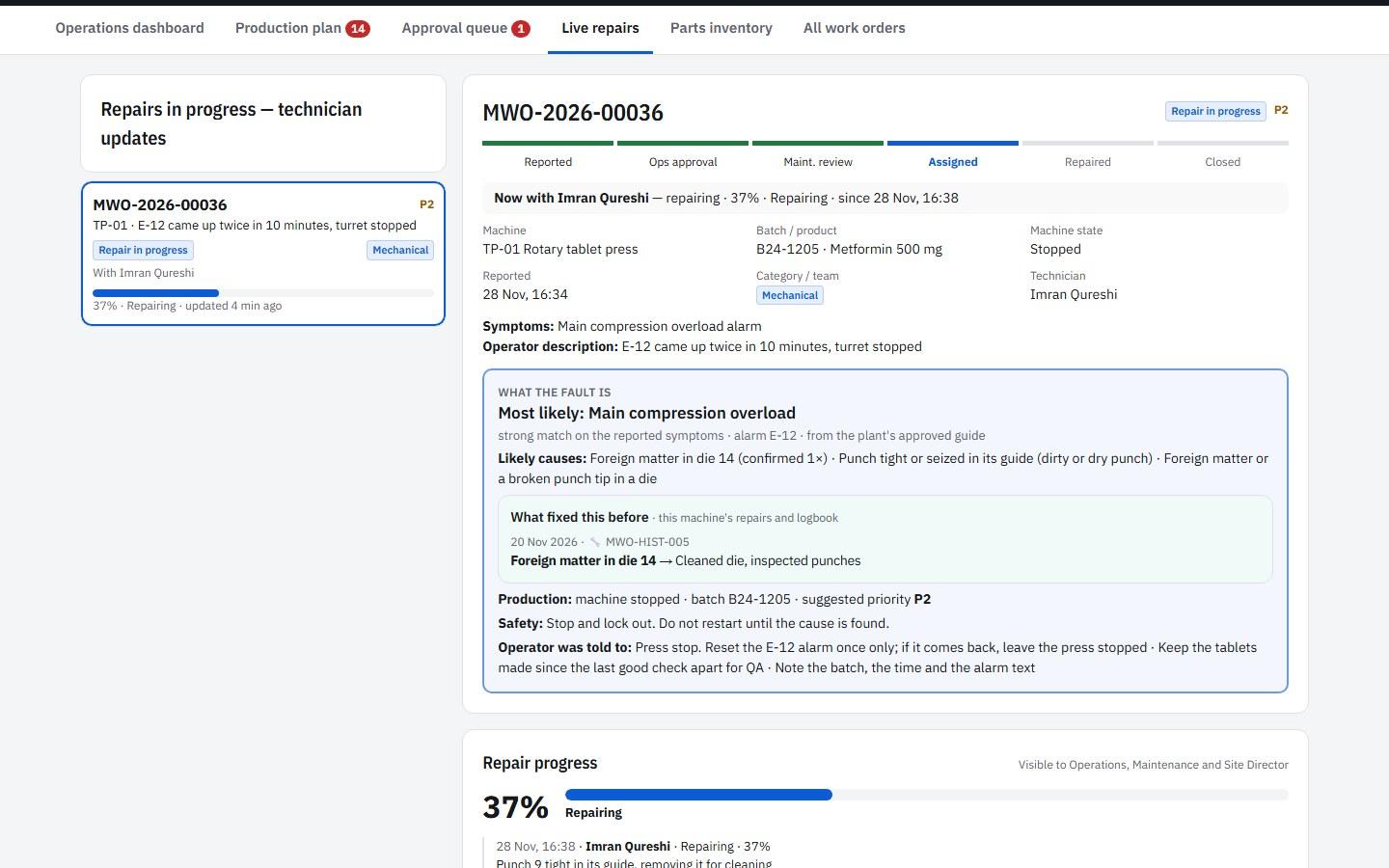
Keeps the production plan in the system so maintenance slots and breakdowns are shown against batches and machine load.
Open the demo as production plannerThe demo needs no login. Switch roles at the top and take TP-01 from the stop to the signed report.